Print & colour
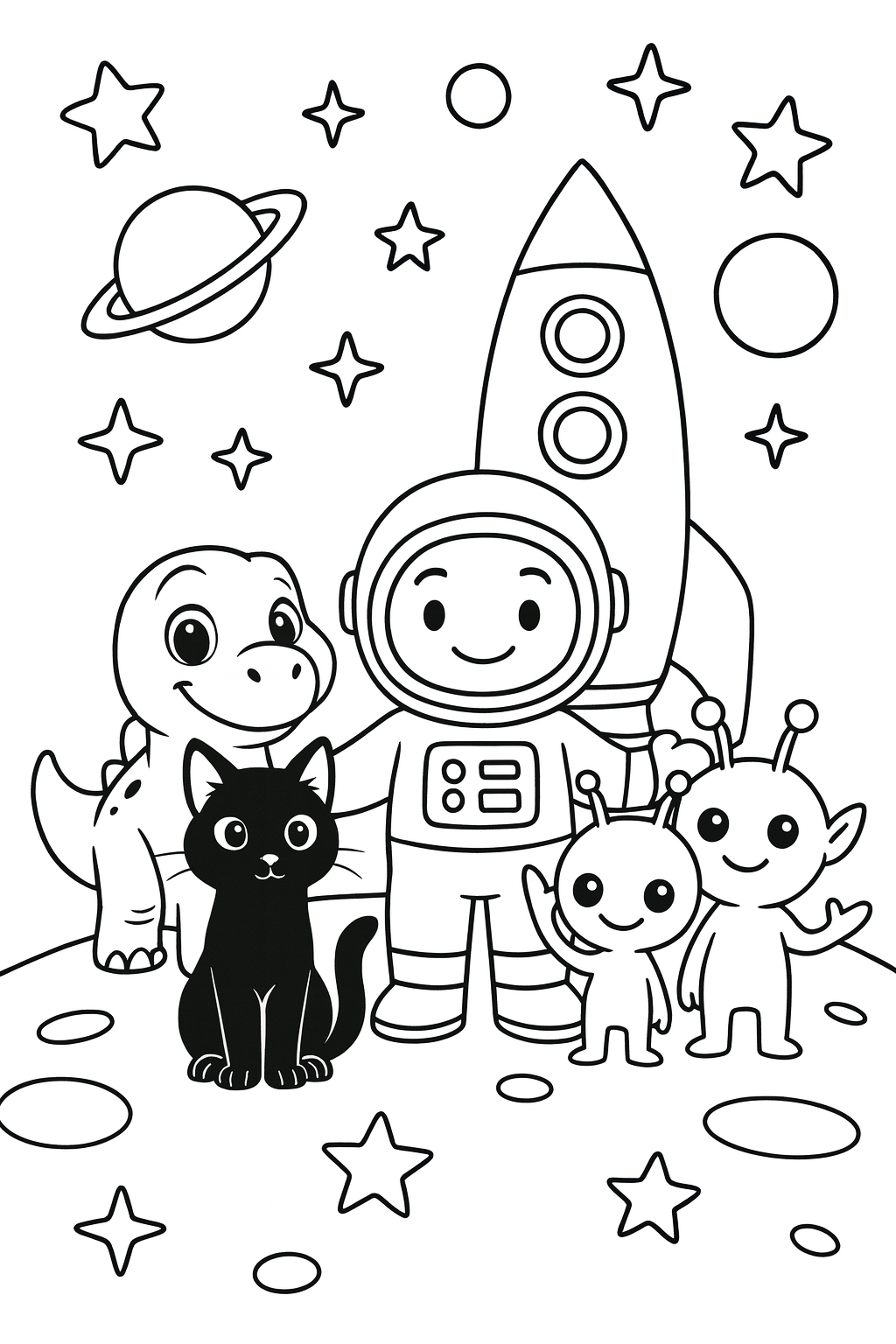
Lucky in Space
12 pages · ages 3-5
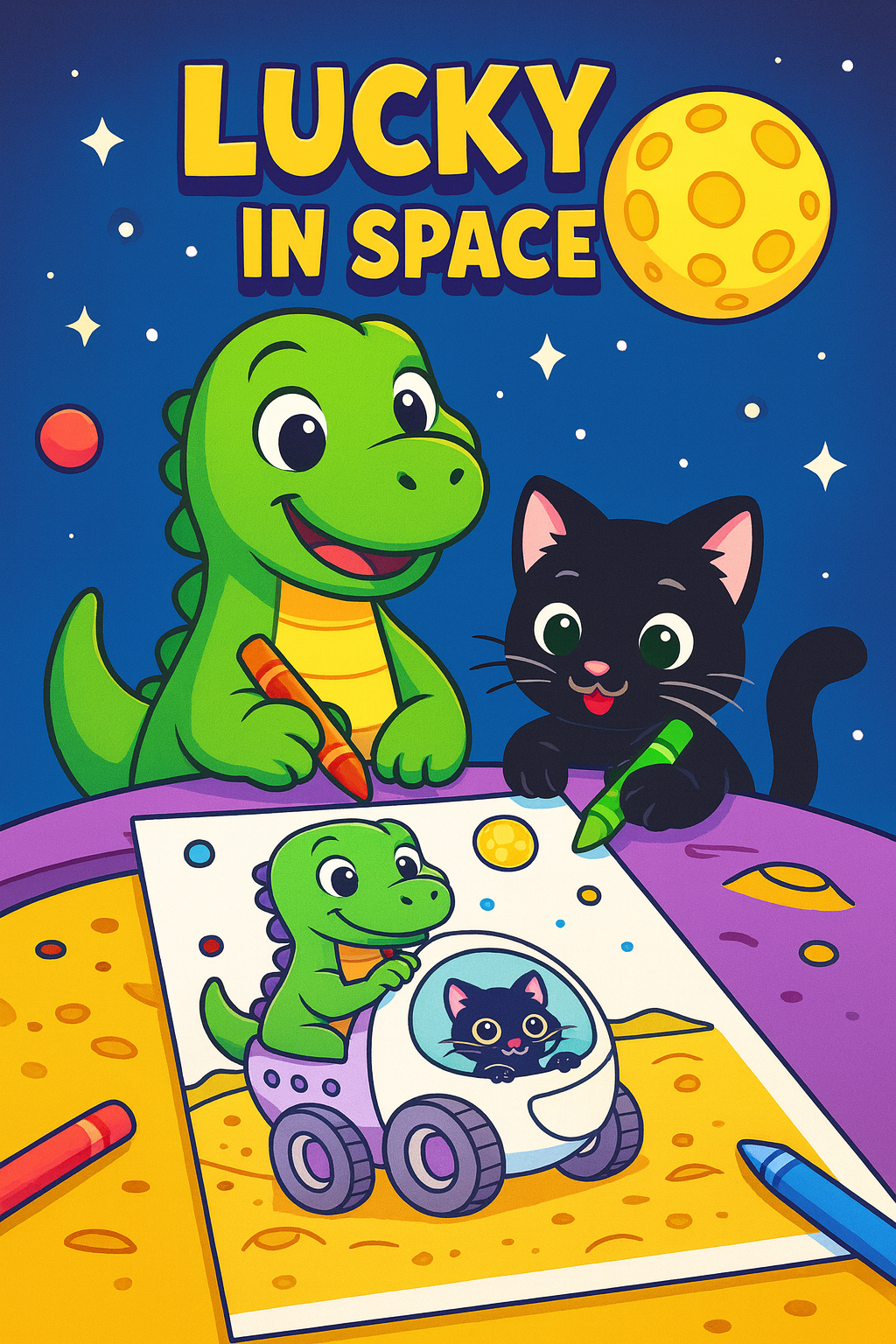
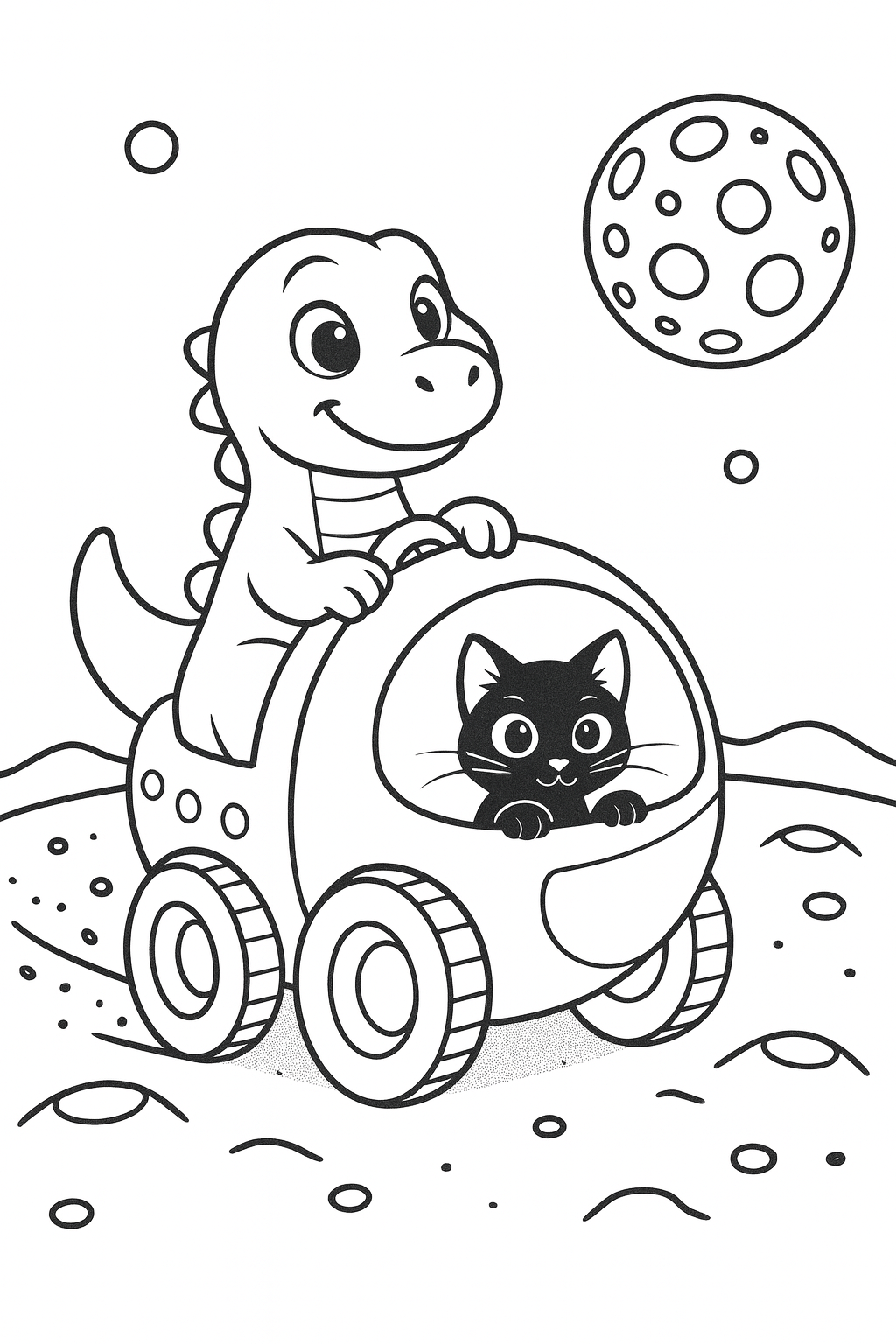
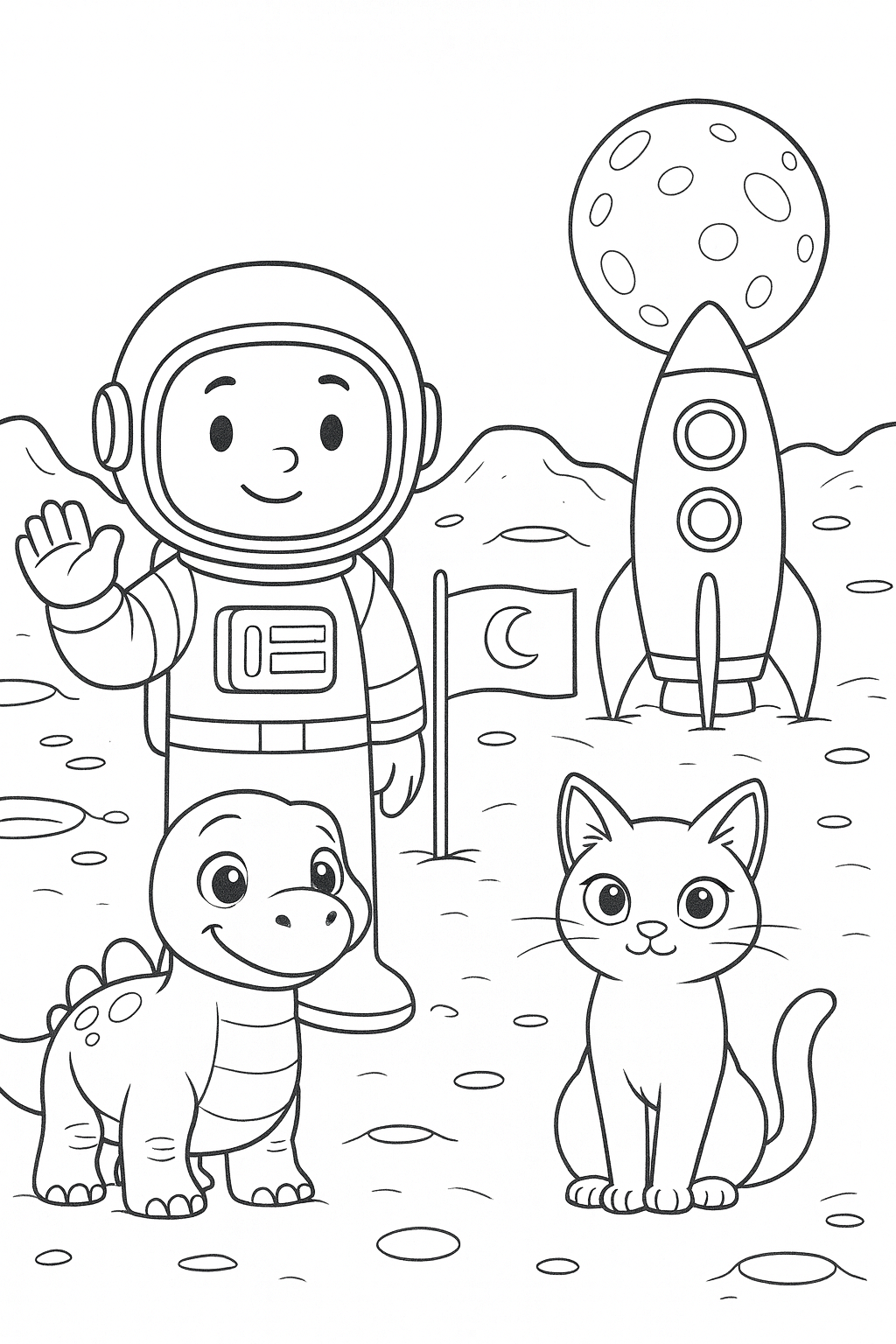
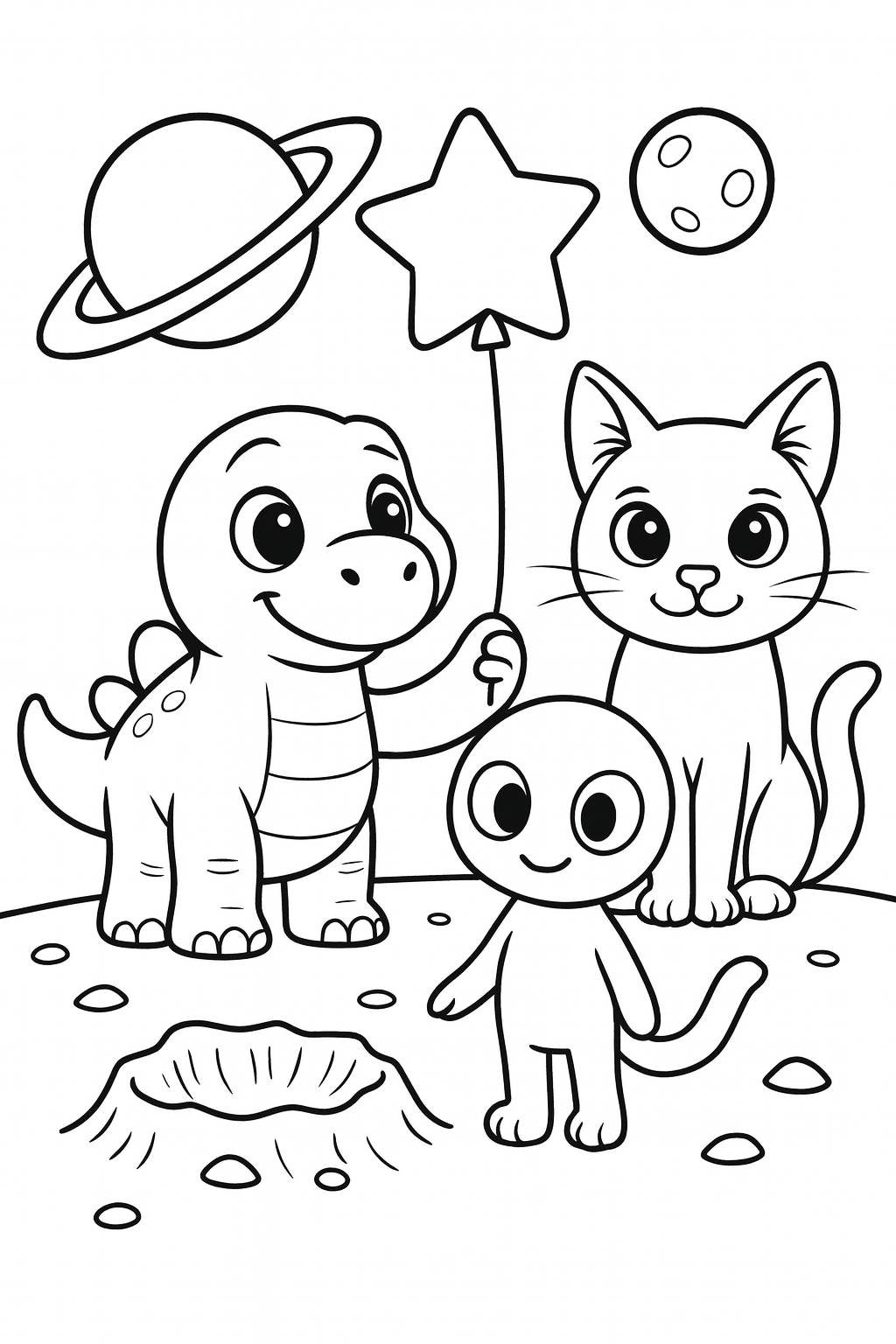
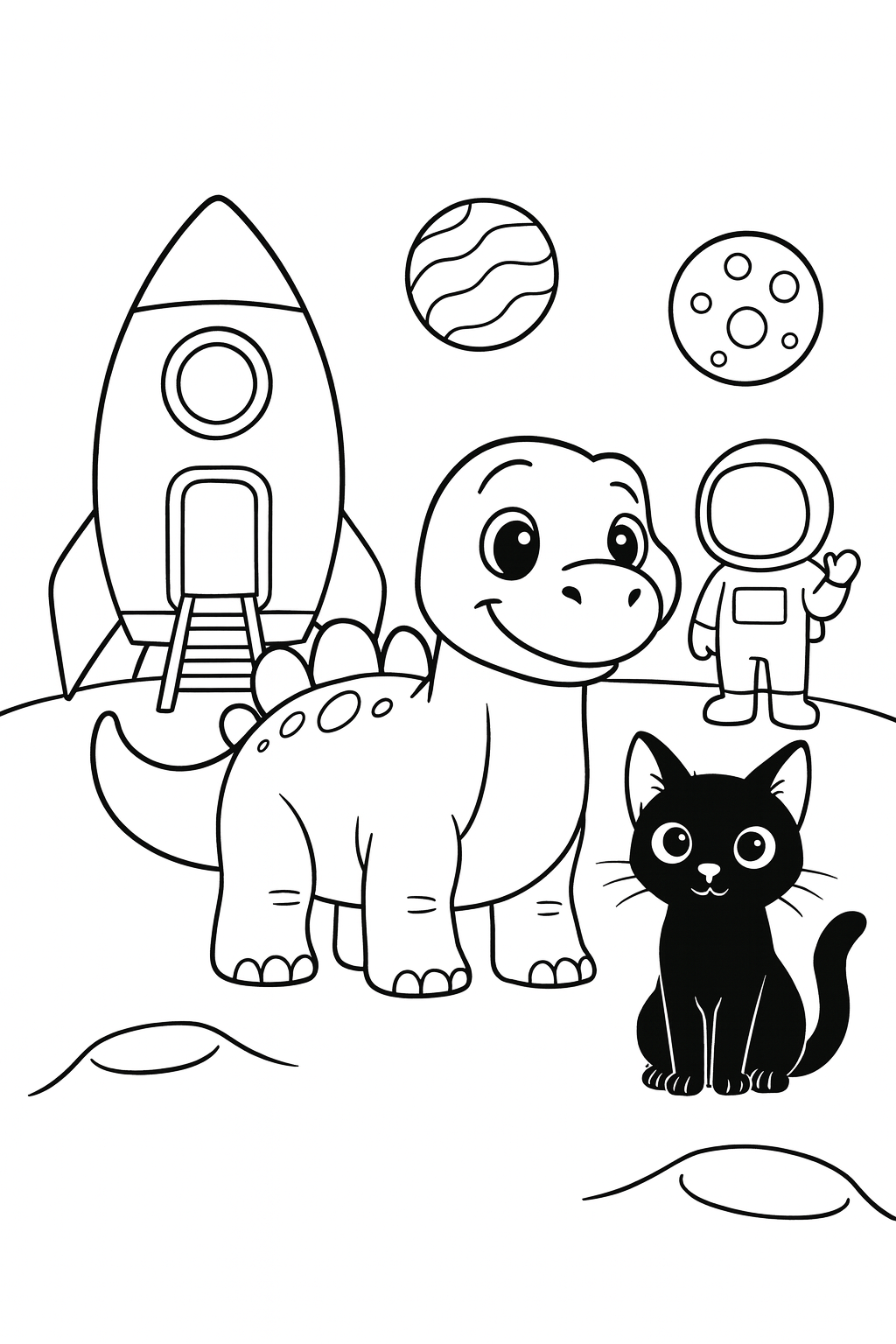
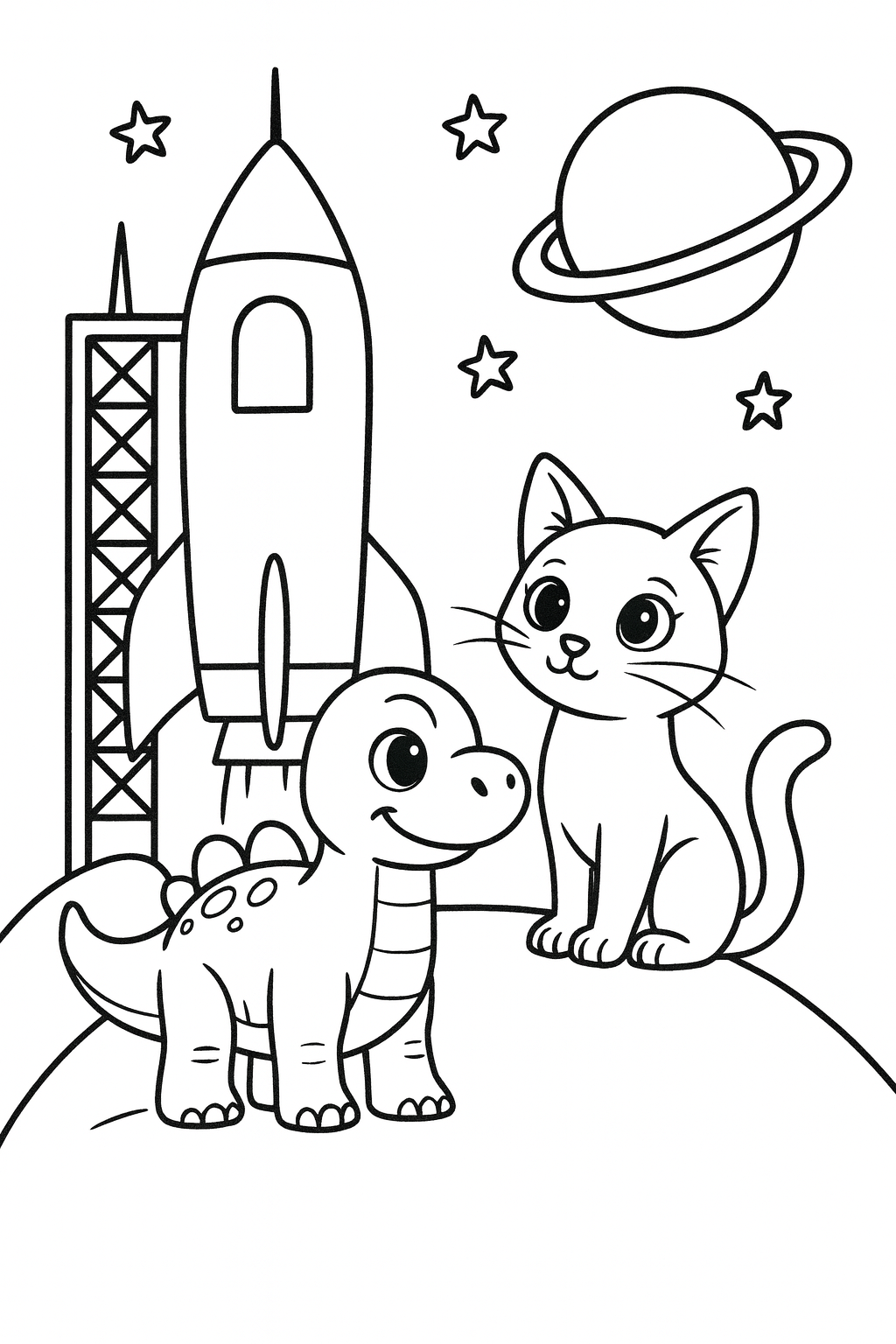
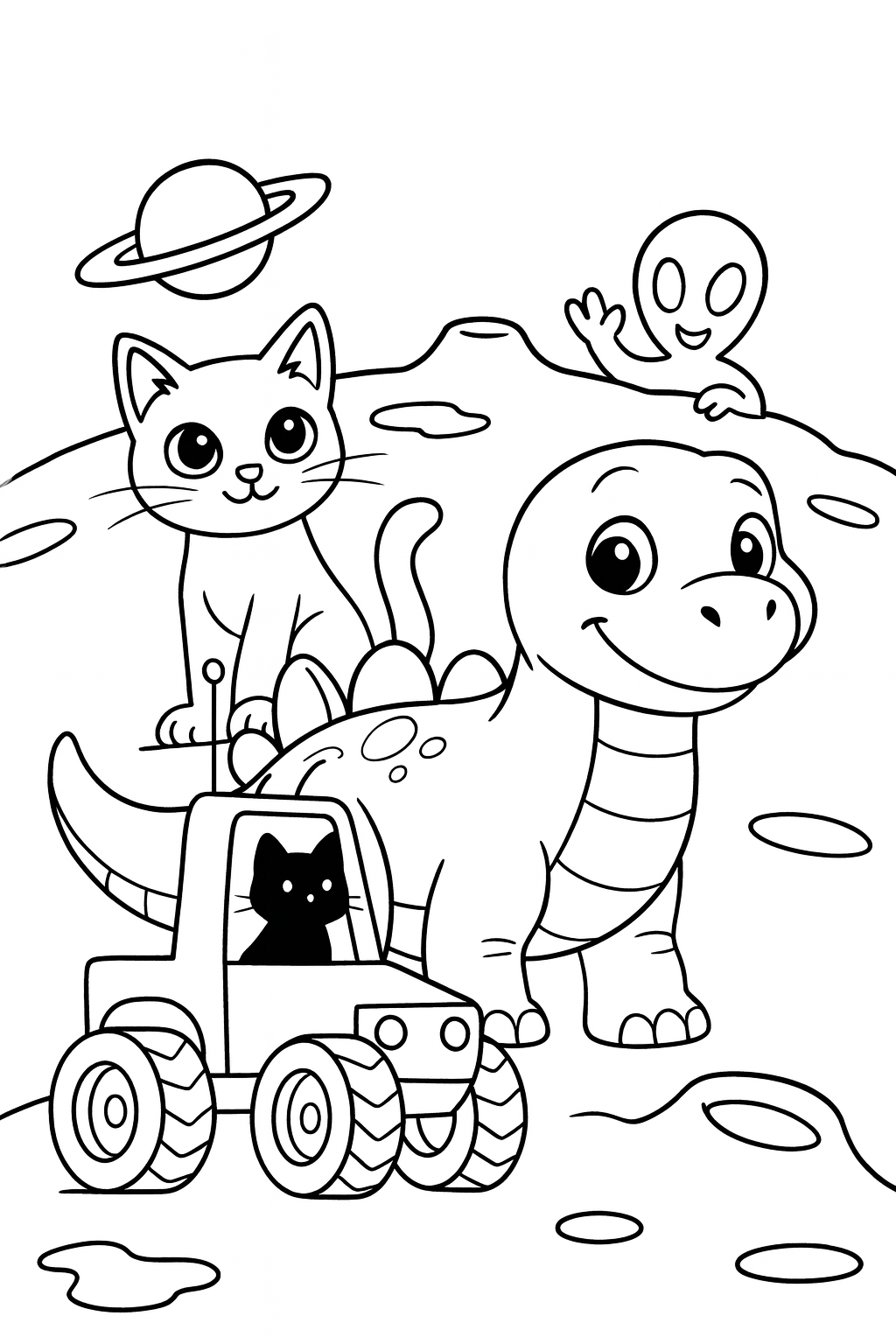
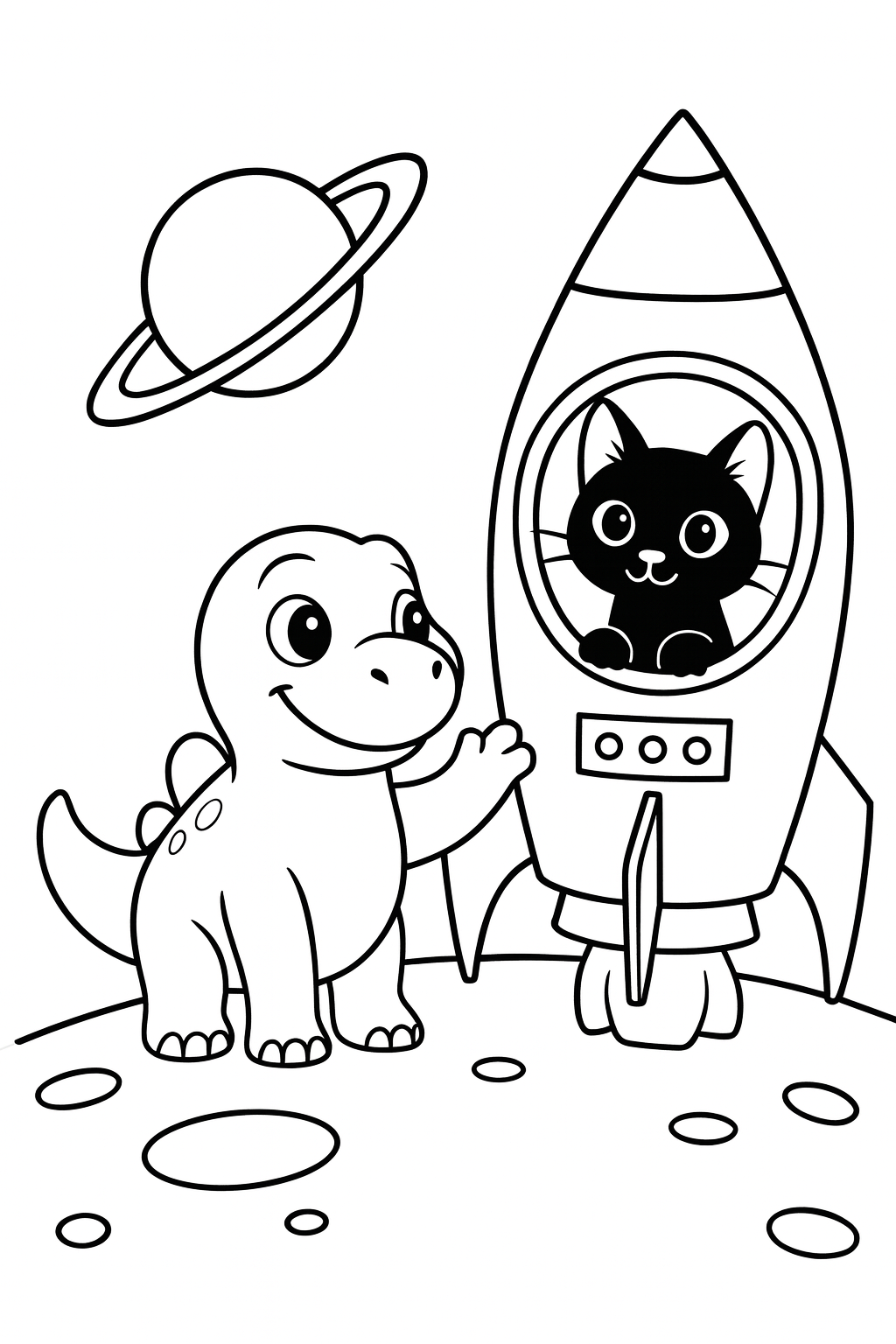
9 of these 12 designs can be coloured straight on the screen — no printer, no crayons, nothing to install. Every one of them can be printed on paper too, drawn for ages 3-5. Every design is free to look at, and you can print three pages a day.
Frequently Asked Questions
- What is included in Lucky in Space?
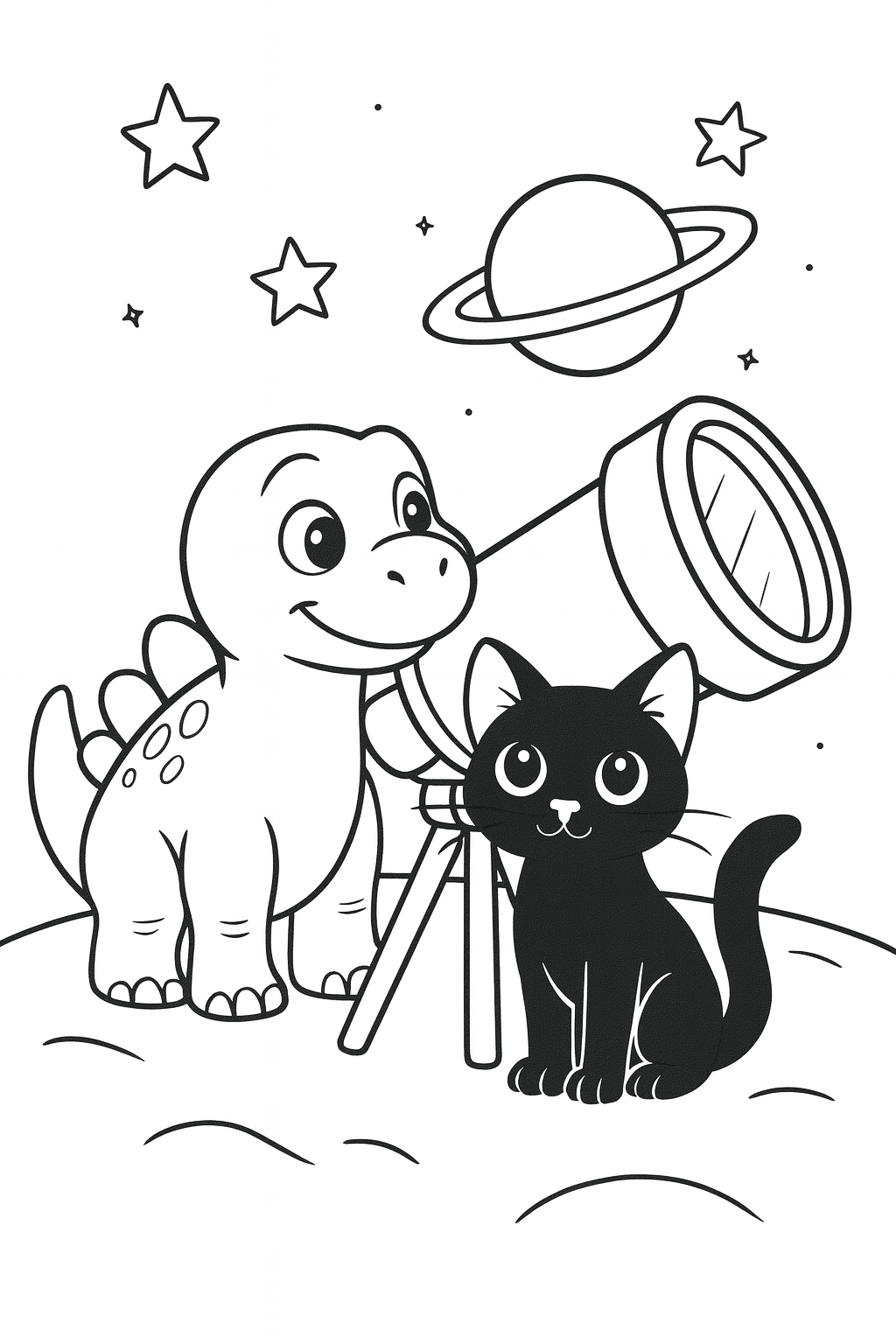
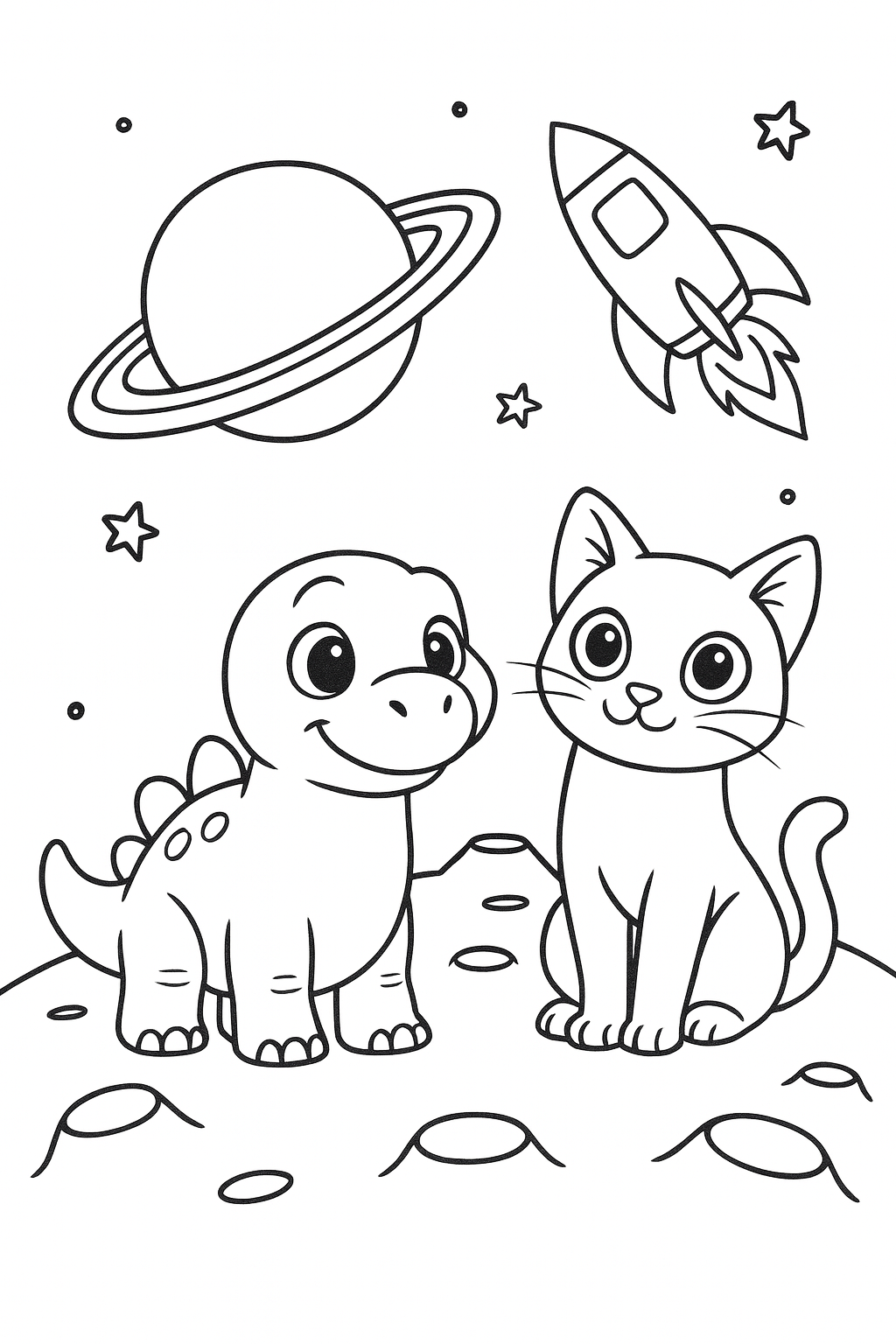
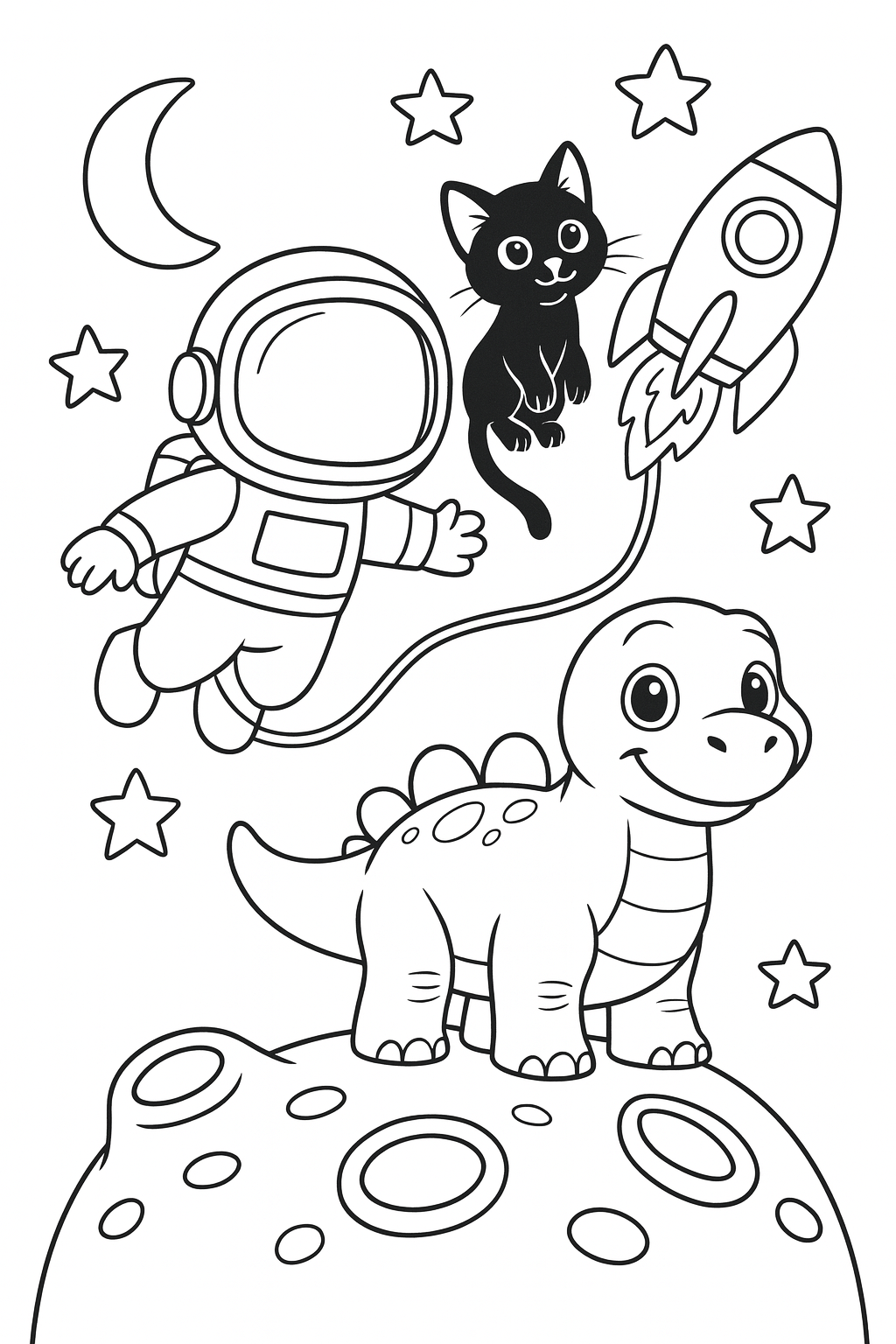
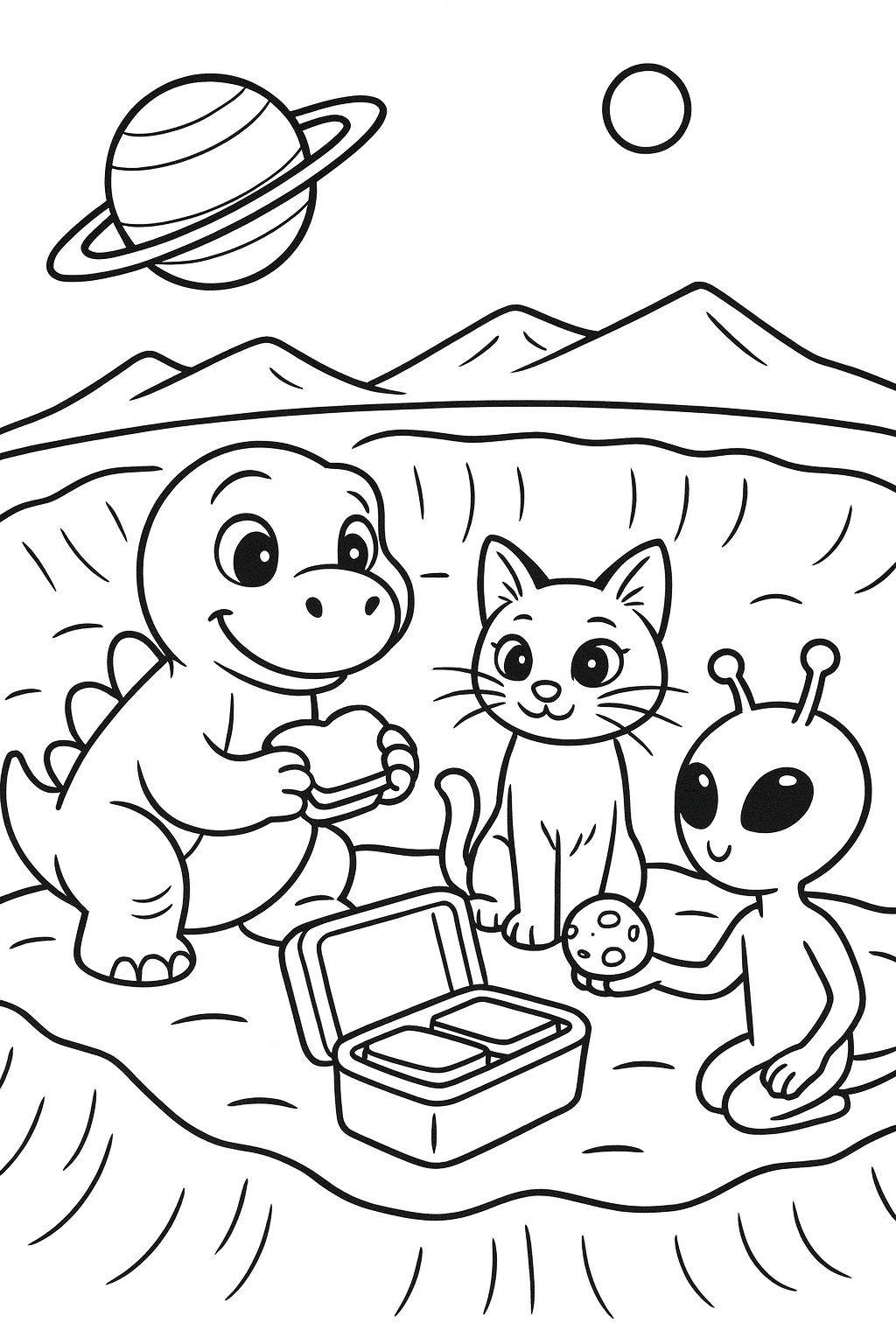
- This is a 12-page free colouring book. The designs are based on the Lucky in Space pages listed for the book.
- What ages is this colouring book for?
- It is drawn for ages 3-5. Children develop at different rates, so you can decide whether the pages suit your child.
- How do I use it?
- Open a page on the colouring page and colour it on screen. A grown-up can print a page, up to three pages a day. Then your child can colour the designs at home or in a classroom setting.
- Can I print a page more than once?
- Printing is for a grown-up, up to three pages a day. Printing the same page again on the same day does not use up another of the three.
Before you print
- What ages are these for?
- These are drawn for ages 3-5. Younger children do better with the simpler pages — thicker lines and larger shapes are easier to stay inside.
- What paper should I use?
- Ordinary printer paper is fine for crayons and coloured pencils. For felt-tips, thicker paper stops the colour showing through. Each page fits A4 and US Letter, so it prints on whichever your printer takes.
- Can I use these in a classroom?
- Yes — use them with your own class or family, and it costs nothing. You can print three pages a day, and there is never a payment.
Designed by an early childhood educator. Illustrations created with AI image tools from our own prompts, curated and edited by our team. How we make things